How It Works:
Enabling patients and out-of-network physicians to upload their medical exams is just a 3-step process.

Step 1:
Patients and physicians will request your permission to upload.
Patients and physicians who have exams they wish to share will visit your branded PicomShare webpage and request your permission.
Step 2:
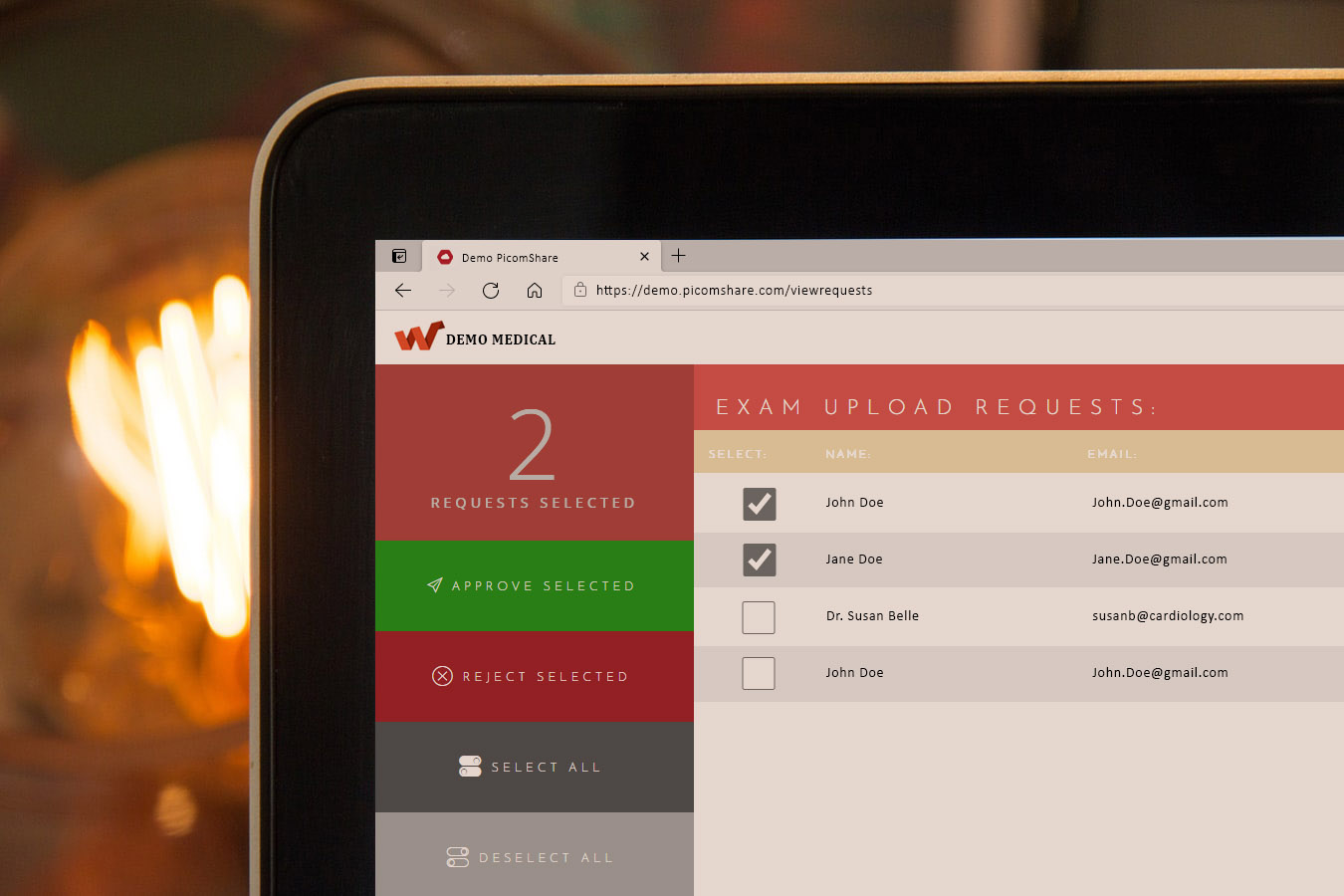
Approve or deny requests.
Your team will receive an email notification and can log into your PicomShare admin portal to look at the details of the request and choose to allow or deny.

Step 3:
Approved requests will receive access to upload.
Whoever has been allowed to upload, will receive an email notification with a secure login link and access code to a page where he or she can upload exams.

All Done
Uploaded exams are in your network.
The uploaded exams are now in your network so your physicians can access them and provide better care.